OPlayer for iPhone/iPad
OPlayer is used to boost your iPhone/iPod/iPad's media abilities, you can also use it to streaming audio and video over HTTP/RTSP/SAMBA/MMS/UPnP.
Screenshots
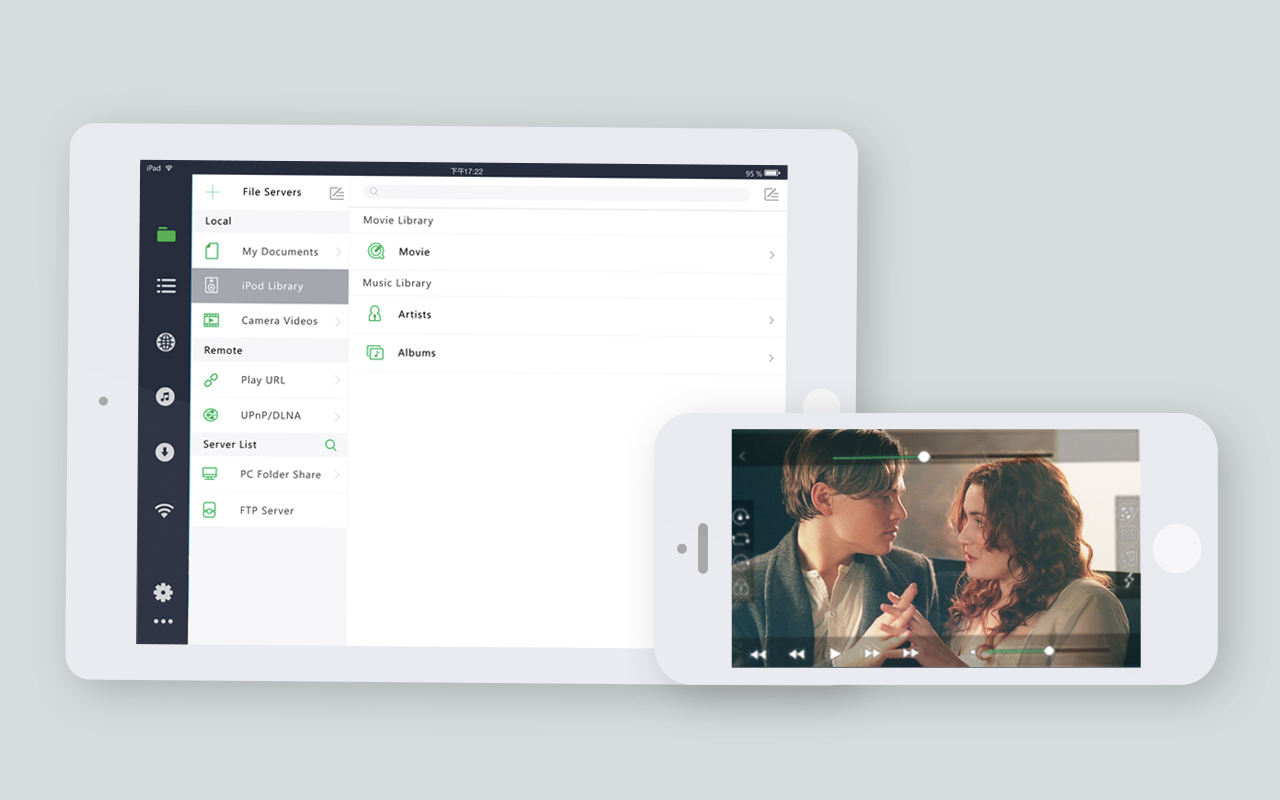
- Feature
- - Easily wifi transfer to download media files from your PC to your iPhone/iPod.
- - Build in web browser to download/play media files in your iPhone/iPod
- - Support FTP/SAMBA Client to download/streaming media files to your iPhone/iPod.
- - Video Format Extension: XVID, DIVX, AVI, WMV, RMVB, RM, ASF, MKV, FLV, ISO... most of all movie file formats.
- - Audio Format Extension: MP3, AAC, WMA, WAV, FLAC... most of all audio file formats.
- - Subtitle Format Extension: SMI, SRT, ASS, SUB... most of all subtitle file formats.
- - Support audio/video streaming over UPnP/DLNA. (through WIFI or 3G)
- - Build in file manager.
- - Playlist support.
- - and so on.
- Notes
- - With iPhone 3G and iPod gen1 and gen2 you can only play the converted media files, because the cpu is not power enough to do software video decode.
- - Missed your native language? can you help to translate the language into your native language, you can contact us freely through our feedback function.
- - Dolby AC3 needs iOS 9.3 or above.
OPlayer for MAC
OPlayer is used to boost your MAC's media playback abilities.
Screenshots
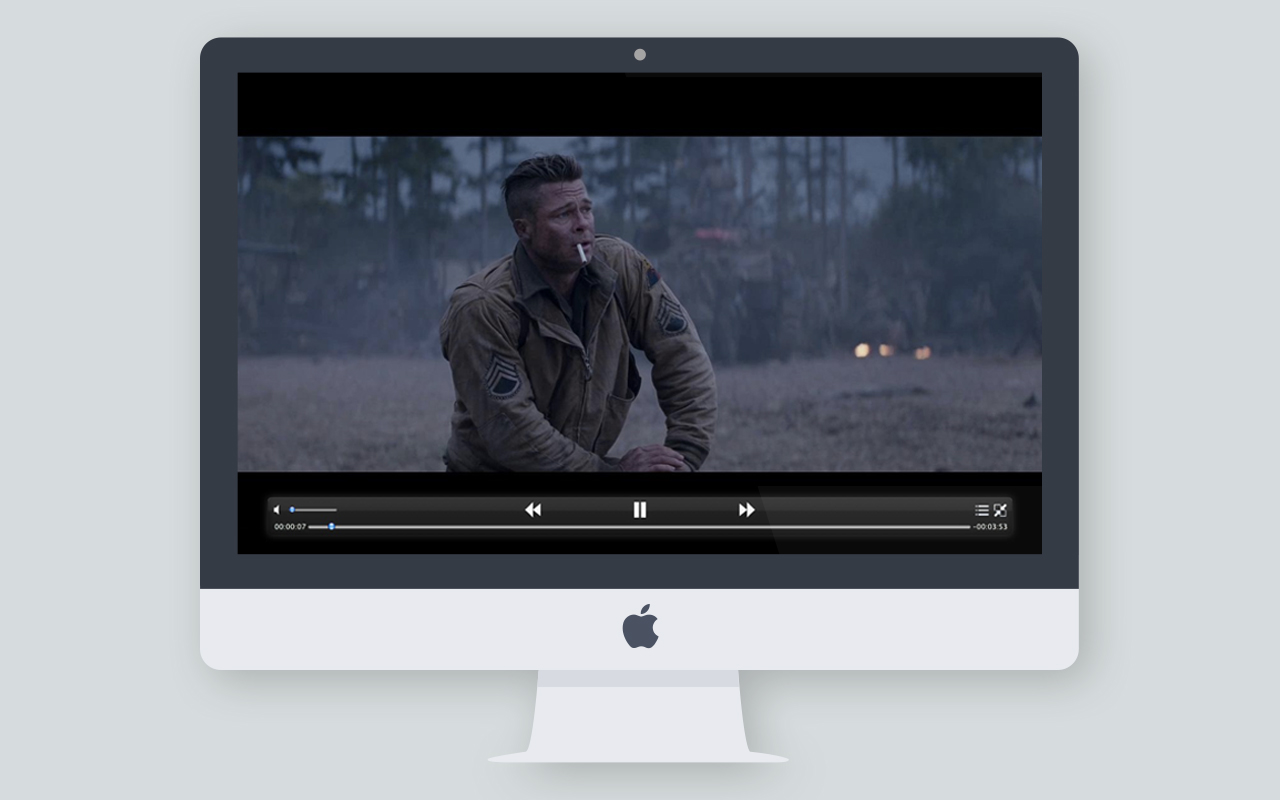
- Feature
- - Video Format Extension: XVID, DIVX, AVI, WMV, RMVB, RM, ASF, MKV, FLV, ISO... most of all movie file formats.
- - Audio Format Extension: MP3, AAC, WMA, WAV, FLAC... most of all audio file formats.
- - Subtitle Format Extension: SMI, SRT, ASS, SUB... most of all subtitle file formats.
- - Auto detect subtitle encoding method.
- - Multiple audio tracks support.
- - Multiple subtitle tracks support.
- - UPnP DLNA Client supported.
- - Fully featured music player.
- - Playlist support.
OPlayer for Android
OPlayer is used to boost your Android Phone's media playback abilities.
Screenshots
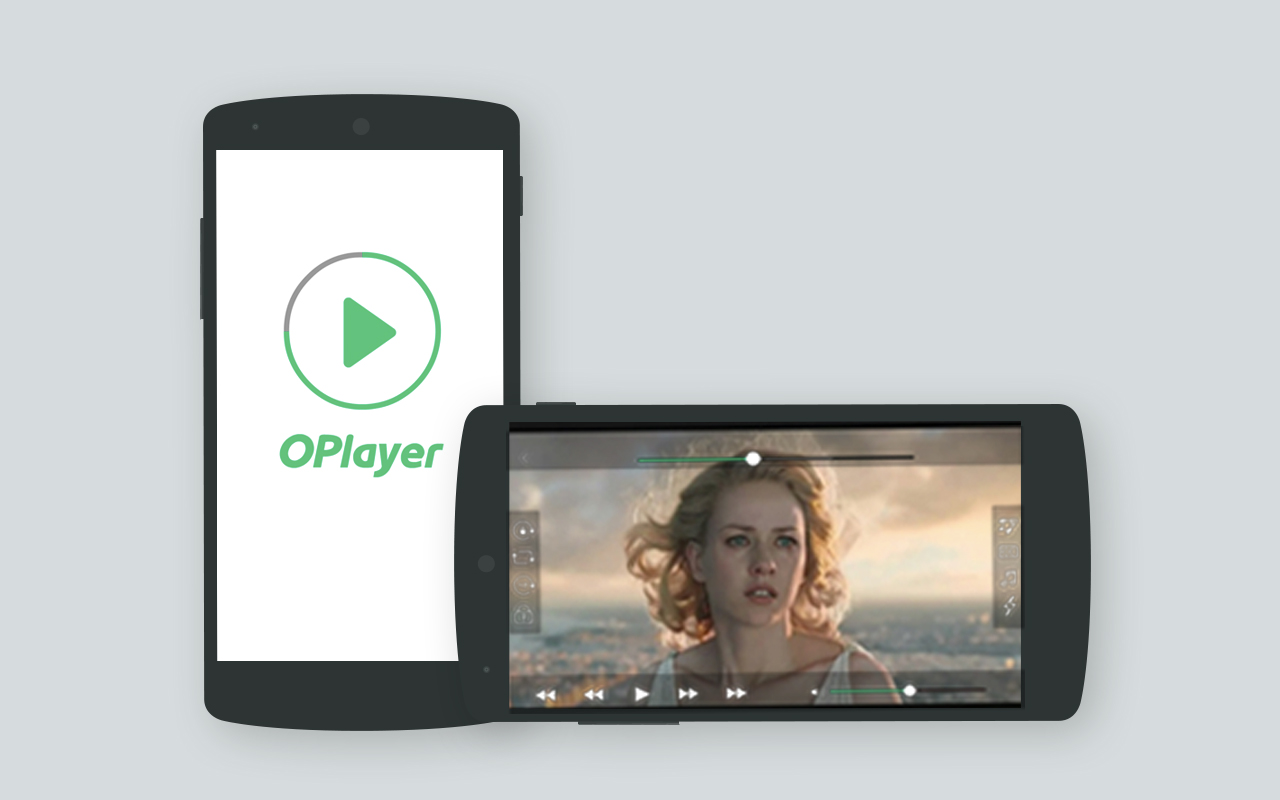
- Feature
- - Play almost any video formats. (wmv, avi, mkv, rm, rmvb, vob, flv, mpg and so on)
- - Play almost any audio formats. (flac, ogg, wma, wav and so on)
- - Support almost any subtitle formats. (smi, srt, ass, ssa, sub, txt and so on)
- - Support to play MMS/RTSP streaming.
- - Support to browse and play files.
- - Video thumbnail support.
- - Fully featured music player.
- - Two themes for dark/bright environment.
- Android version OPlyer is based on Open Source VLC app, more information can be found on http://www.videolan.org.
Partners